
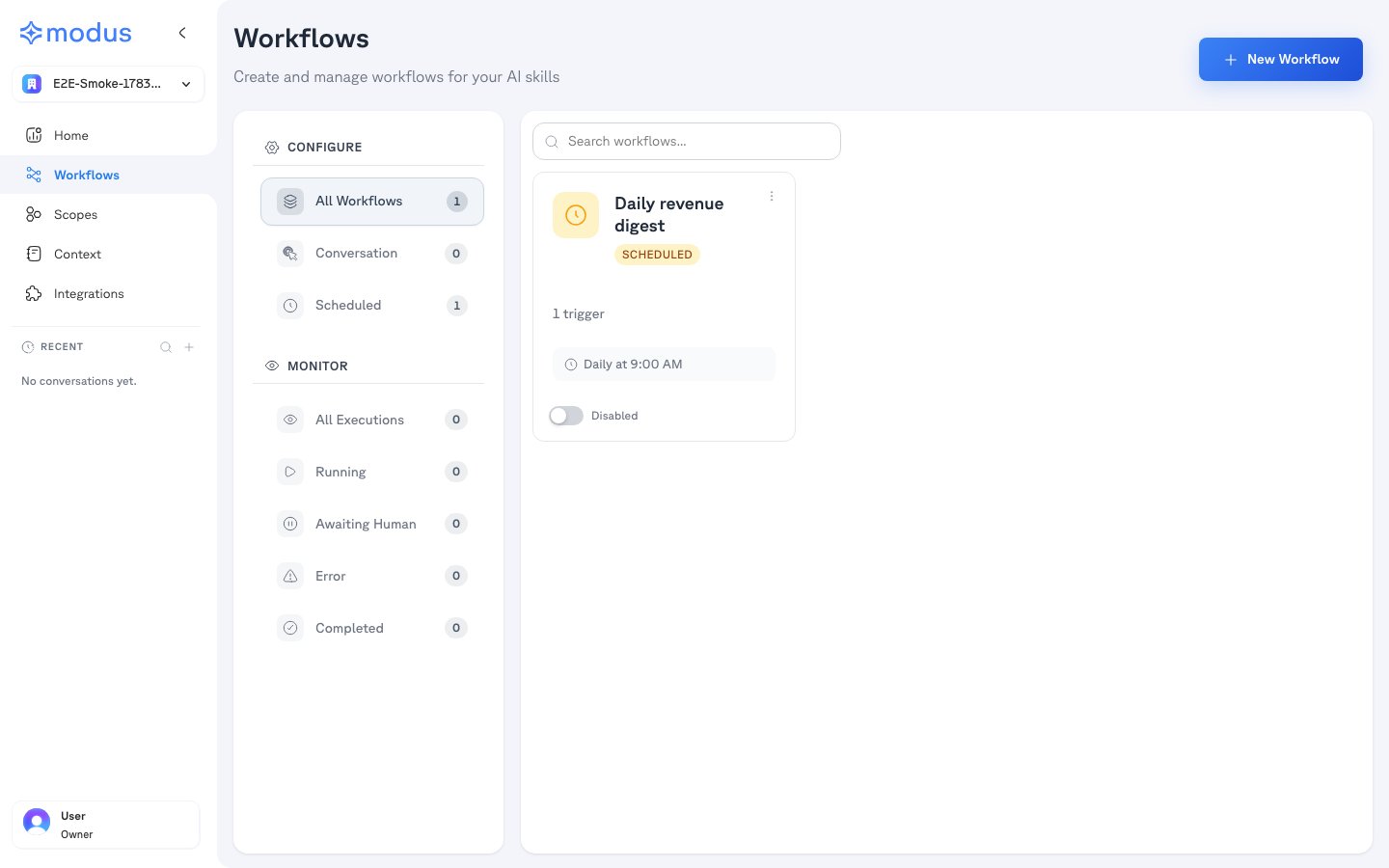
Configure and Monitor
The left sub-nav has two modes:- Configure — create and manage workflows, filtered by trigger type (All Workflows, Conversation, Scheduled, and more). Each workflow card shows its trigger, a summary of its steps, and an Active / Disabled toggle, and can be run directly.
- Monitor — track execution history across All Executions, Running, Awaiting Human, Error, and Completed, so you can see what ran and step in when a run needs a person.
Building a workflow
New Workflow opens the visual builder. You start with a Trigger and add steps onto the canvas; a properties panel on the right configures whichever node is selected. Run Now tests the whole pipeline in-canvas, showing each step’s status as it executes.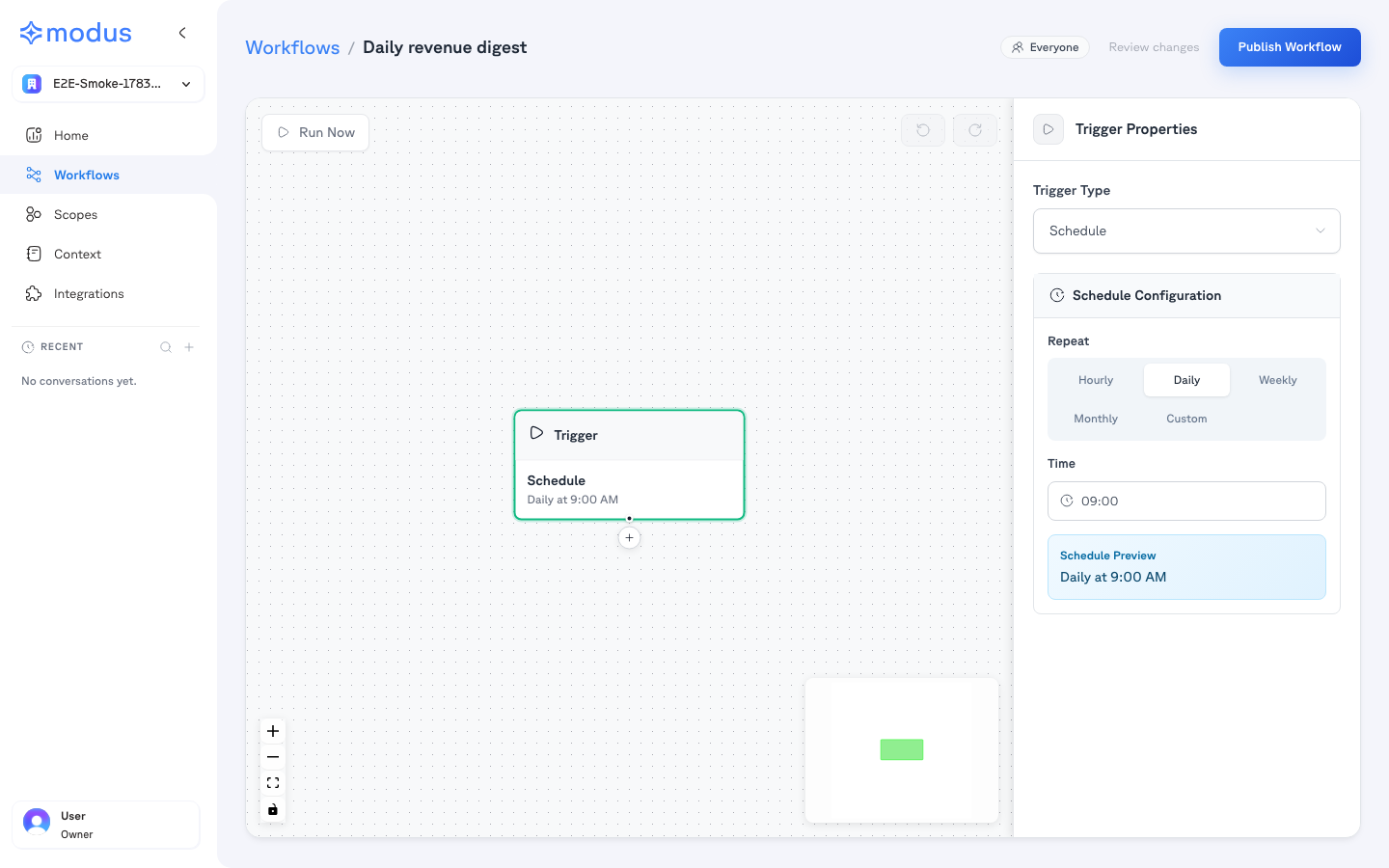
Node types
Trigger
The starting point — defines how and when the workflow runs (see triggers below).
Agent
Runs one or more scopes on a task, with its own model — the reasoning step of the pipeline.
Action
Performs a concrete action: run SQL, call an API, search the web, or use a connected app’s tool.
Condition
Branches the flow based on results — with plain-language or deterministic rules.
Human
Pauses for a person to approve (or approve/decline) before continuing, routed to Slack or Teams.
Triggers
The Trigger node decides how a workflow starts. As shown above, a Scheduled trigger offers hourly / daily / weekly / monthly / custom repeats with a time and timezone, and a live schedule preview. Other trigger types include:- Conversation — run it from a chat on Home, with each step rendered inline.
- Scheduled — run automatically on a recurring schedule.
- Webhook / API / Slack — start from external events (where enabled).